 1c9d3940ca
* Move TS100 info from wiki to Hardware.md

* Move TS80 info from wiki to Hardware.md

* Move TS80P info from wiki to Hardware.md

* Move Pinecil info from wiki to Hardware.md

* Move some info from Home.md wiki to Documentation/index.md

* Fix path inside docker since Dockerfile has been updated to be in the root project tree after starting container

* Move info from Home.md wiki to Documentation/Hardware.md

* mkdocs.yml: swtich config to forked repo for testing formatting online

* Fix formatting

* Fix formatting (md != rtd)

* Fix formatting for index.md

* Revert mkdocs config to original one after testing

* Documentation/: add power sources info

* Documentation/README.md: update with power sources

* tiny fixes with formatting

* Reformat links to stores

* Fix footnote on _default_ charger for TS80P

* Revert mkdocs config

* Fix footnote about wattage for QC, try fix table in index.md
2.7 KiB
Notes on the various supported hardware
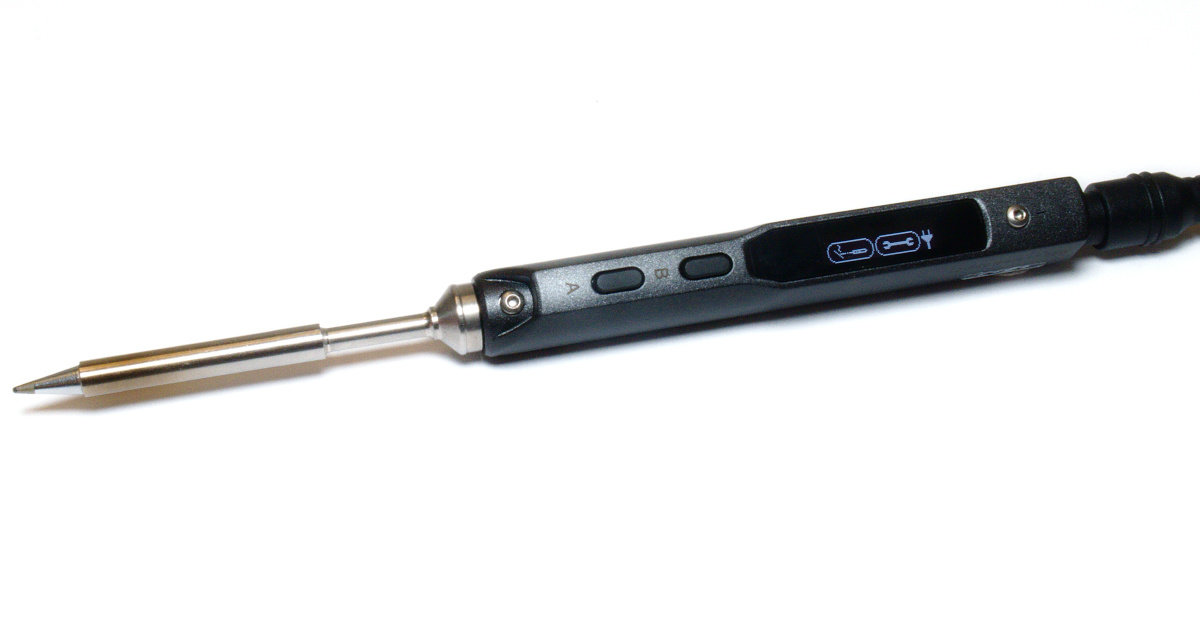
TS100
TS100* is a neat soldering iron:
- can run from 9-25V DC;
- provides a power range that is determined by the input voltage;
- voltages below 12V don't overly work well for any substantial mass;
- the default firmware can be found here.
TS80
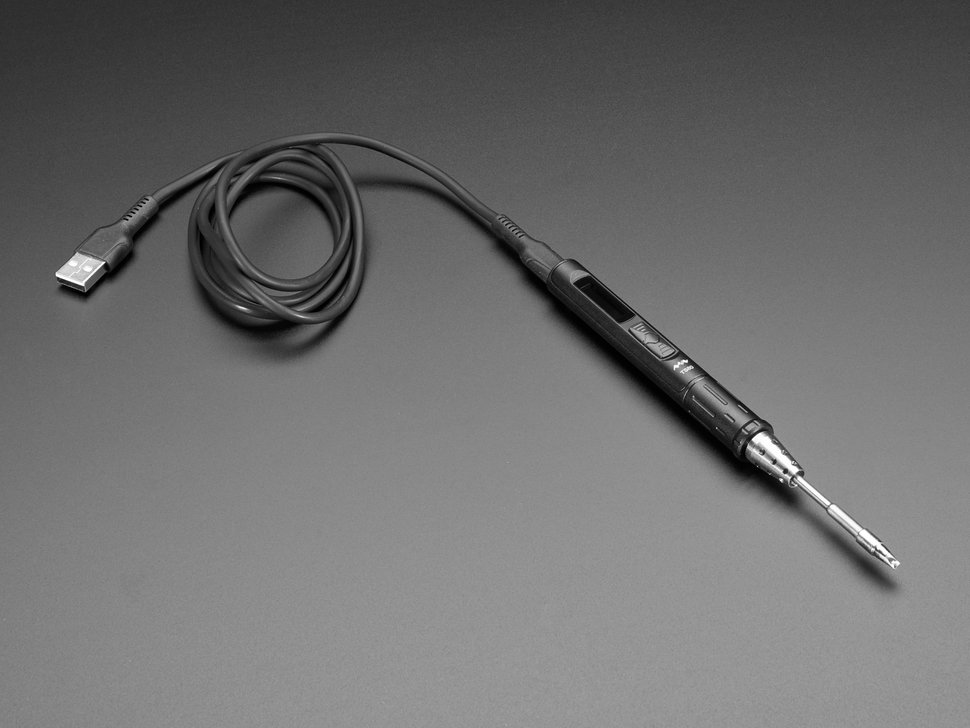
TS80* is a successor to TS100:
- uses Quick Charge 3.0 / QC3 capable charger only (18W max);
- doesn't support PD as it is not designed on the hardware level;
- the default firmware can be found here.
TS80P
TS80P* is a successor to TS80:
- supports Quick Charge 3.0 (QC3: 9V/3A, 18W max);
- supports Power Delivery (PD: 9V/3A & 12V/3A, 30W max)**;
- the default firmware can be found here.
**: use valid PD device that supports 12V/3A as power source to get full 30W potential, otherwise the iron will fall back to 9V/18W power mode.

MHP30
MHP30 is a Mini Hot Plate:
- accelerometer is the MSA301, this is mounted roughly in the middle of the unit;
- USB-PD is using the FUSB302;
- the hardware I2C bus on PB6/7 is used for the MSA301 and FUSB302;
- the OLED is the same SSD1306 as everything else, but it’s on a bit-banged bus.
Pinecil
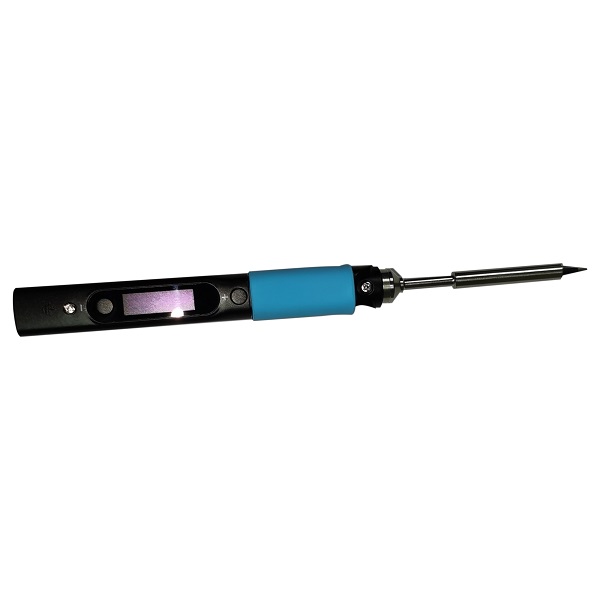
Pincecil*:
- first model of soldering iron from PINE64;
- the default firmware can be found here.
*: Please note: these soldering irons do NOT contain DC/DC converters. This means that your power at the tip is a function of the supplied voltage. Just because the iron "supports" running at a wide range of voltages, you should always use a voltage near the upper limit where possible. It is highly recommended to use a PD adapter where possible as this allows the iron to know the limitations of your supply. The marked irons can only turn the tip on and off in software, this means that they can't control the maximum power drawn from the supply. This is why when using PD the iron may select a lower voltage than your power supplies maximum. This is to prevent your power supply failing from over current. For more information about power management underhood, please, see the related documentation section.